 Cardmigo
Translate a word. Stay in the story.
Read an English encyclopedia card. Select an unfamiliar word or phrase and see its translation without leaving the passage.
Explore the English reader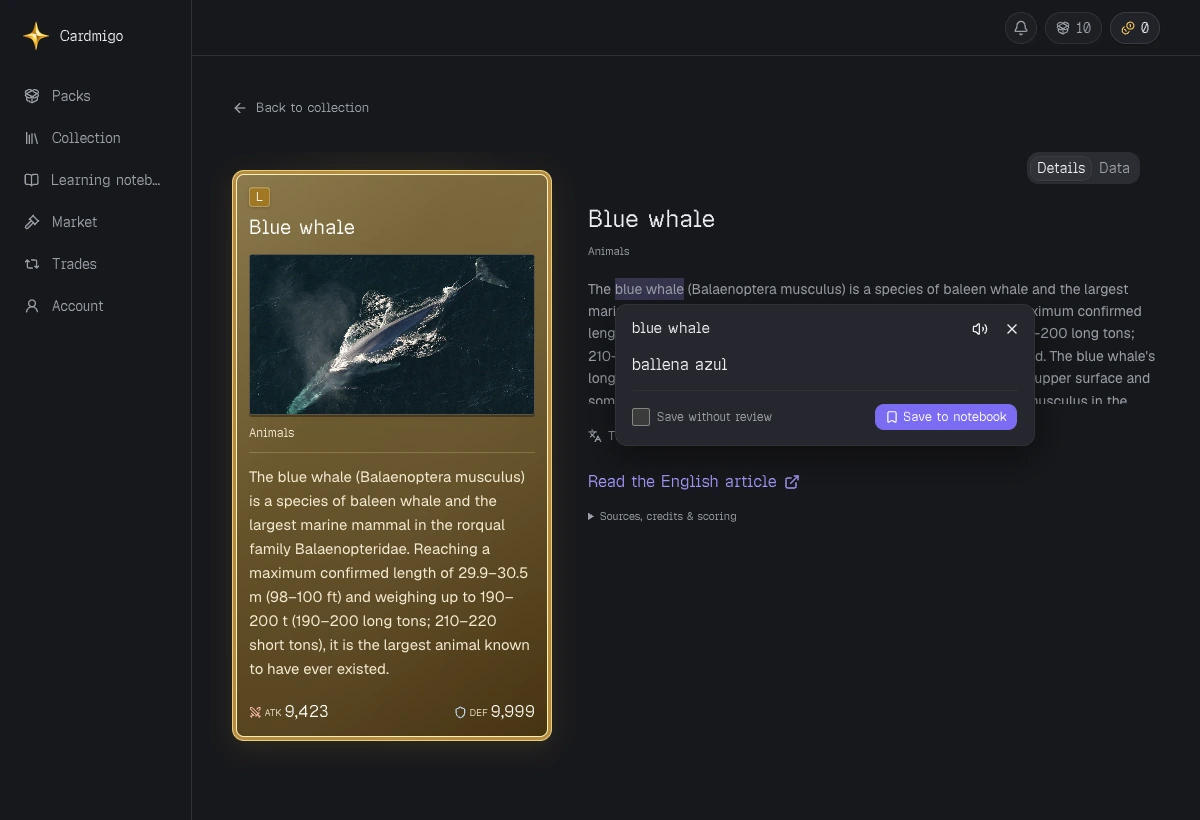
A little help, or the whole passage.
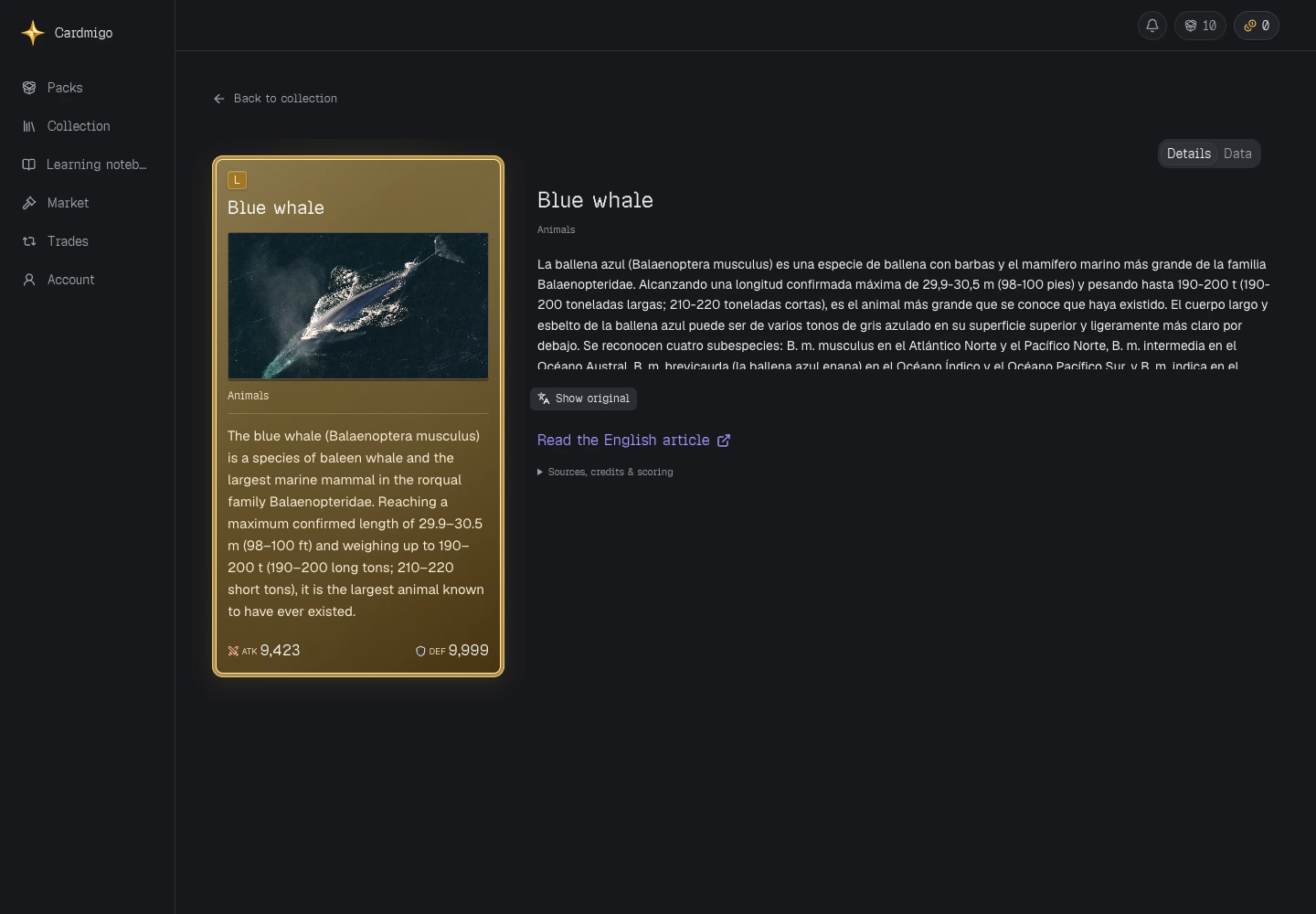
Look up a short selection, or translate the passage in place. Switch back to English when you are ready and keep reading.

How do I translate a word while reading?
Sign in, choose a translation language in account settings, and open a card’s encyclopedia text. Select a word, phrase or sentence to see its translation. The original context stays close by.
Can I save the words I translate?
Yes. Choose Save to notebook after a translation. You can include the item in review or keep it as a saved reference. Saving is your choice, not an automatic import of every word.
Can I translate any website or upload a book?
This reader works with the English encyclopedia content inside Cardmigo. It is not a browser extension or an ebook importer. Online translations can be imperfect or temporarily unavailable.